
Hunt the Haunts Troubleshooting
I've been asked to sign up again
Be sure to use the same web browser and device you used to sign up originally.
We recommend installing the W.E. Have Fun Hunt App for the best experience.
If you haven't received the prompt to install it, simply reload the app's page.
If you can't get back into your account, please contact us at
wehavefun2526@gmail.com.
Location takes a long time to load or is inaccurate
First, try turning your device's location off and on again.
Make sure you are outside or near a window with a clear view of the sky, as this makes GPS more accurate.
Location denied or unavailable
You may need to make sure precise location is enabled for your web browser (Such as Internet, Chrome, Safari, Firefox, etc.) and/or the W.E. Have Fun Hunt App.
You may just need to enable location services for the W.E. Have Fun website. These settings can usually be found in the address bar.
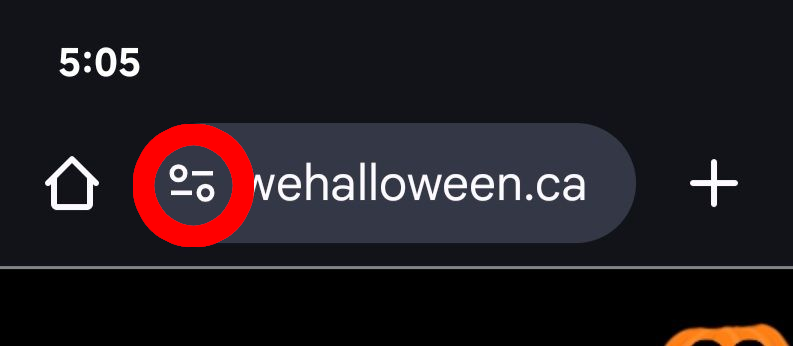
Refreshing the page or restarting the app may also cause it to ask you for location again.
Location settings for Android Location settings for iOS